.svg)





.png)

For students and graduates applying for their first design job, a few changes can make a portfolio easier to understand and review. Here are seven practical design portfolio tips to use before sending out applications.
What should a design portfolio include?
A design portfolio should include selected projects, clear images of the finished work, relevant process and a short explanation of your role. Each project should help an employer understand your skills, your decisions and what you contributed.
Keep your strongest work easy to find, and make sure every project is simple to open and navigate.
1. Choose projects for the roles you want
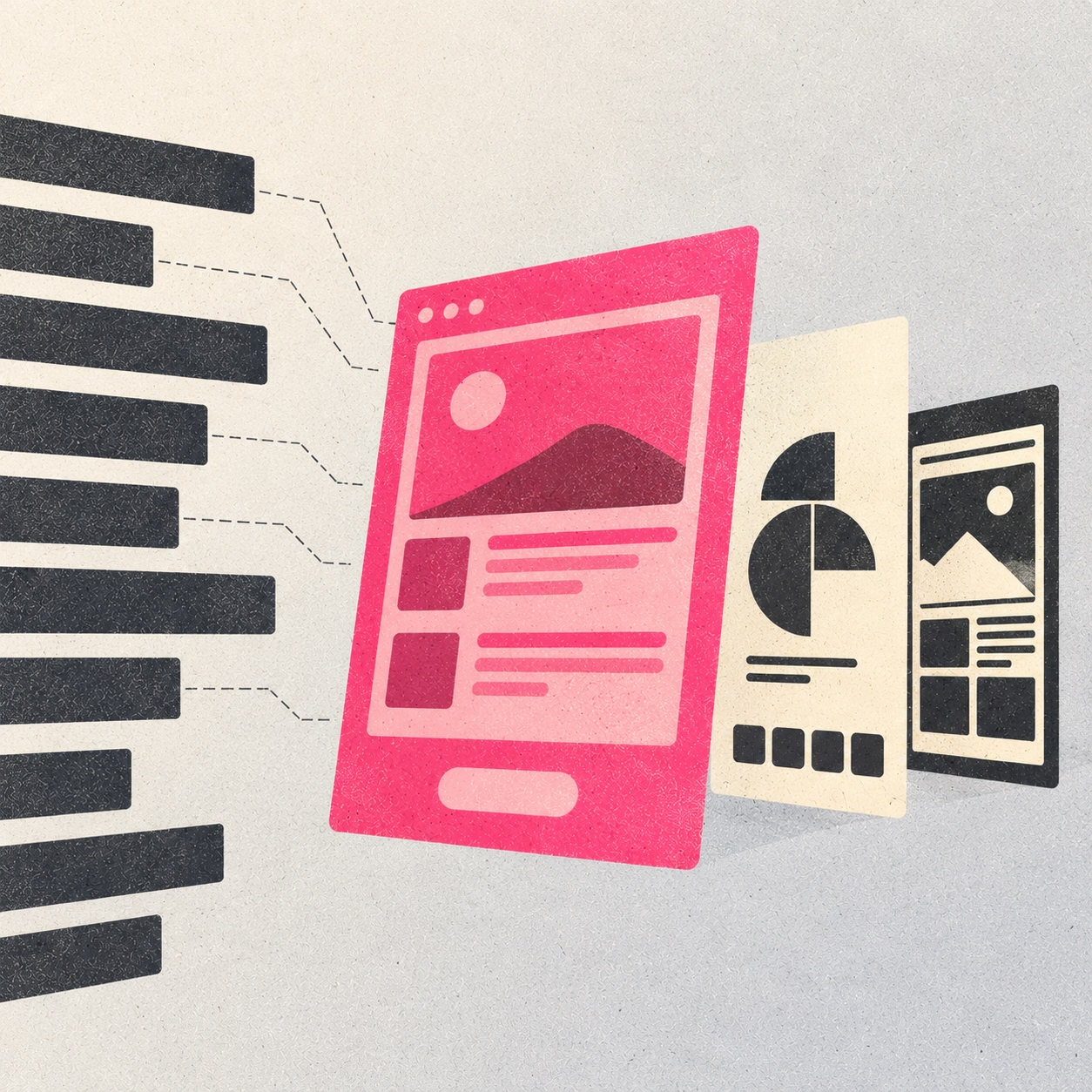
Start by reading the job descriptions for the roles you plan to apply for. Look for the skills each employer asks for, then choose projects that demonstrate those skills.
For a brand identity role, include work that shows how you developed a visual identity and applied it across packaging, communication materials or other brand touchpoints. For a digital design role, show relevant screens, layouts or digital experiences.
Think about who might open your portfolio. At a larger company, a recruiter may see it before a design lead. At a design studio, a designer may open your Behance profile directly. Your first few projects should make your skills easy to identify for either person.
You can also rearrange projects for different applications. Keep your full collection on Behance and direct employers towards the work most relevant to the role.
What to do: Select three projects that best demonstrate the skills listed in the job description. Put the strongest match first, followed by projects that support your application.
2. Make your first six Behance covers count
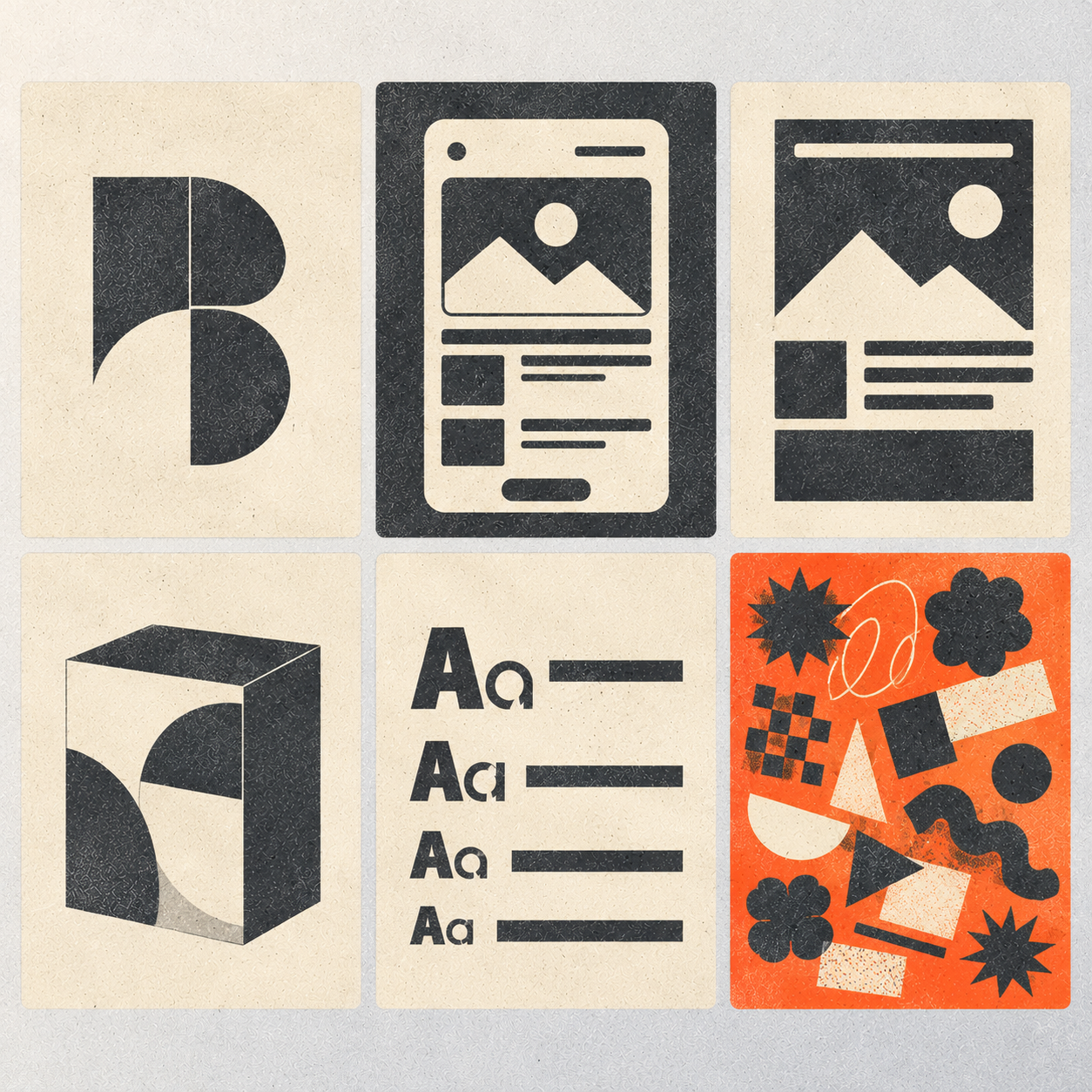
On Behance, a project cover, or thumbnail, is the image people see before opening a project. The first six covers give viewers an early sense of your work and how consistently you present it.
Open your profile and look at the six covers together. Is the main subject easy to recognise? Does each image look finished? Can you read the text at thumbnail size?
Different types of work can sit together in one portfolio. Branding, infographics, game design and event design can show your range, provided each project is presented clearly.
Choose images that help people understand the work. A branding project could show the identity on packaging. An event project could show the design in the venue. An infographic could use a focused crop instead of shrinking an entire page into an unreadable thumbnail.
Mock-ups can also help show how a design works in context. A printed piece shown in someone's hand gives a sense of scale, while artwork displayed in a gallery helps viewers imagine it in a physical space.
What to do: Review your first six covers at the size they appear on Behance. Replace cluttered images, give the main subject more space and remove text that becomes difficult to read when reduced.
3. Make the main idea easy to see
When someone opens a project, the opening images should make its main idea clear.
Imagine an event identity built around two C-shaped letterforms coming together. A large image showing the two forms makes the concept easy to understand. If the same image is surrounded by several small photographs, headings and labels, the idea can get lost.
Images showing the design in use serve a different purpose. An entrance displaying the identity across its panels shows how it works in the venue. A photograph of a stage with the design in the background gives a sense of the event environment. Give these images enough space to be understood.
Detailed work needs the same attention. A calendar may include colour-coded Sundays, holiday labels, a watermark and illustrations. One full-page image can make these details too small to read. Add close-ups of the sections that demonstrate the design decisions.
A toy design project may also benefit from individual images of each piece, allowing viewers to see the shapes, colours and details.
What to do: Start with one strong image that communicates the main idea. Follow it with larger images and close-ups that explain the important details. Remove images that repeat information without adding anything useful.

4. Show the finished work before the process
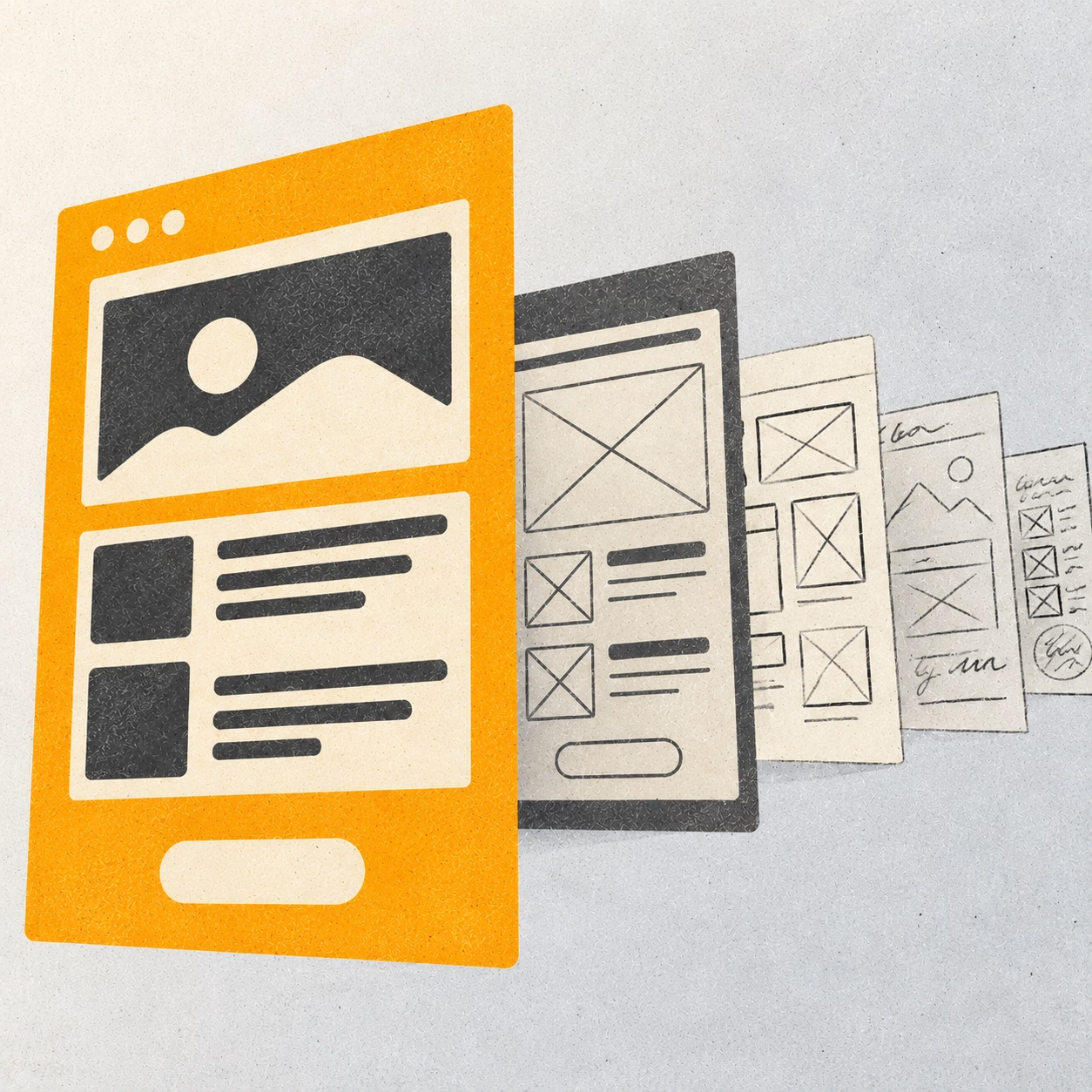
Start each project with the finished outcome. Once viewers understand what you made, use the following images to explain the brief, your role and the decisions behind the design.
For a branding project, you could open with the identity applied to packaging or shown in an environment. Follow this with the logo, typography, colour palette and selected applications. Sketches and research can come later, when they help explain how you arrived at the final design.
If you're presenting a branding project, read our guide to creating a brand from nothing for a closer look at the elements that go into building a brand.
Choose process images that answer a question about the work. A sketch can show how an idea developed. A comparison between two versions can explain why one direction worked better. Research can clarify a decision about the audience or visual approach.
You don't need to include every working file. Each image should help viewers understand your thinking, a key decision or the development of the final result.
What to do: Put the finished outcome first. Follow it with only the research, sketches and iterations that help explain an important design decision.
5. Give each substantial project its own page
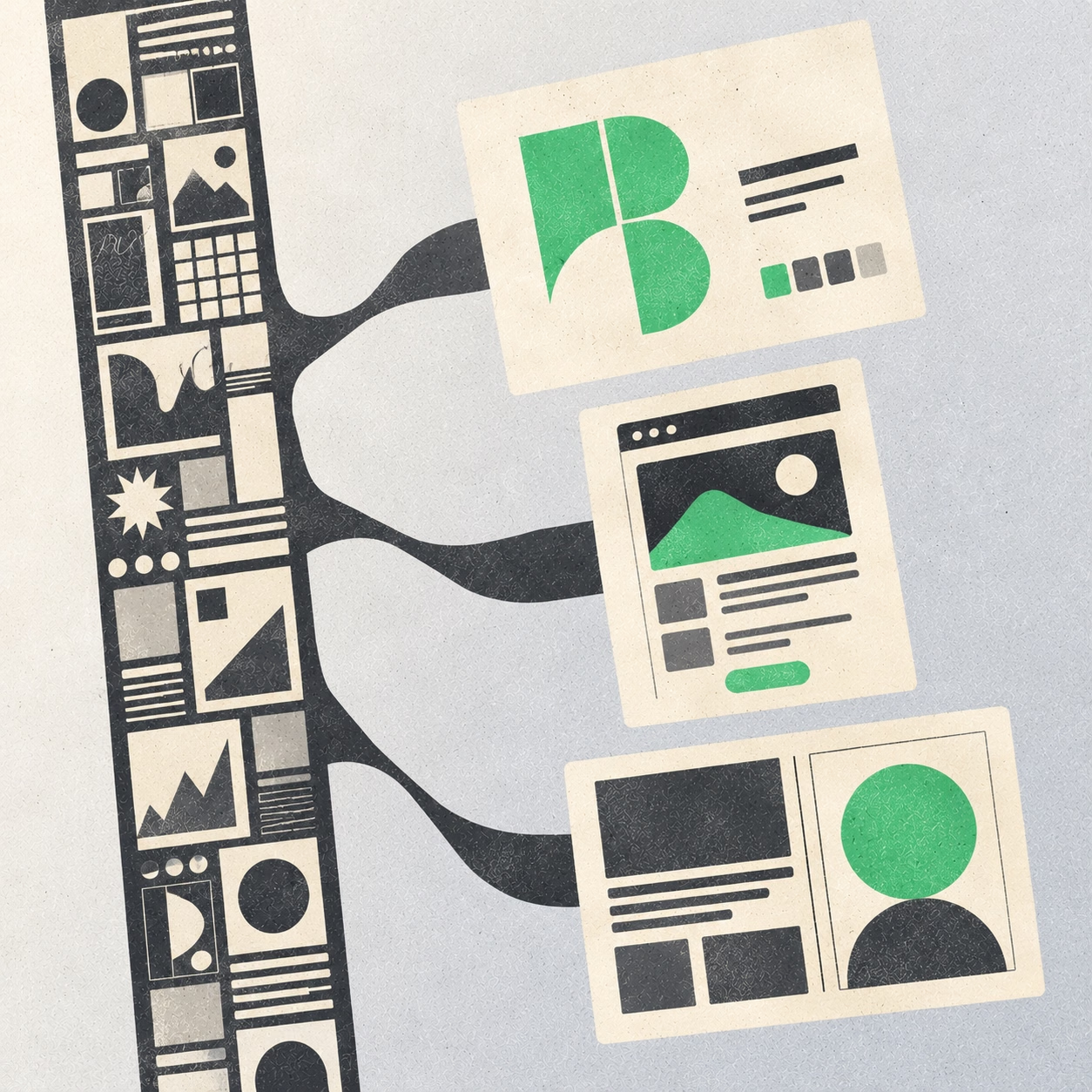
When several unrelated projects sit inside one long showcase, viewers have to scroll through the collection to find a particular piece. Separate project pages make individual projects easier to open, understand and share.
On Behance, create a separate page for each substantial project. Give it a clear cover and arrange the content so viewers can follow the work from the brief to the final outcome.
A strong project page should answer four questions:
- What was the project? Explain the brief or problem in one or two sentences.
- What did you do? State your role and identify the parts you personally created.
- What did you make? Show the finished work and its applications.
- Why did you make those decisions? Include research, sketches or explanations that clarify your approach.
For team projects, identify your contribution clearly. For self-initiated projects, state that you created the work independently. This gives employers the context they need to assess your skills fairly.
Keep your CV and About section accessible from your main portfolio. Avoid repeating a long introduction at the start of every project.
What to do: Open each project from its cover. Check that the brief, your contribution and the outcome are easy to understand without searching through unrelated work.
6. Choose a portfolio format the employer can open
Behance, a personal website and a PDF can all work for a design portfolio. The right format depends on the employer's application requirements and how you want to present your work.
- Behance: Useful for hosting individual projects that employers can open and explore.
- Personal website: Gives you a homepage to introduce yourself, highlight selected projects and link to your Behance pages.
- PDF: Lets you arrange projects in a fixed sequence and works well when an application accepts file uploads.
Check the application instructions first. If the form accepts a PDF, you can submit one. If it requires a website URL or blocks Google Drive links, a simple website linking to your Behance projects can be a practical solution. You don't need to recreate every project on the website.
Before applying, test the final link. Open it in a private or incognito browser window to check that the page loads without requiring access to your account. Make sure the images display correctly and the text remains readable.
What to do: Follow the employer's submission requirements, choose the simplest format that meets them and test the link before sending your application.

7. Make relevant awards visible
If you've received an award or meaningful recognition, include it where employers can find it easily. A homepage section, project cover or relevant project page can make the achievement visible.
Use the official award name and year. If a specific project received the award, identify the project and explain what was recognised when that information is available. A photograph of the award can add context if it helps viewers understand the achievement.
Keep the wording factual and verifiable. Instead of relying on a broad description such as “award-winning designer,” state the actual award, category and year.
What to do: Add relevant recognition to your homepage or the project it relates to. Double-check the award name, year and category before publishing.

Design portfolio checklist: what to check before applying
Before sharing your portfolio, check the following:
- My strongest and most relevant projects appear first.
- The first six Behance covers have consistent presentation quality.
- The main idea is clear in each project's opening images.
- Important details are large enough to see.
- The finished work appears before supporting process.
- Each substantial project has its own page.
- My role and contribution are clear.
- The format meets the employer's application requirements.
- Every link opens without requesting extra permissions.
- Awards and achievements are accurate and visible.
Ask someone who has never seen your work to browse the portfolio. Afterwards, ask which project they remember first, what they think you contributed and which details were difficult to understand.
Use their answers to identify specific improvements. If they can't identify the main idea of a project, revise its opening images. If they can't tell what you contributed, make your role more explicit.
Frequently asked questions
Before you send your portfolio
Open your portfolio as if you're seeing it for the first time. Can you find your strongest project, understand your contribution and see the quality of your work without struggling to read the details?
Fix anything that slows that process down. Test every link and check that your portfolio meets the application requirements before sending it.
Or save this article as a PDF for future research, workshops and strategy sessions








.svg)